ATS Resume Format: A Practical Checklist
Your resume can contain the right experience and still lose information during an online application. Use this practical checklist to make every section easier for applicant tracking systems—and busy recruiters—to read.
You find a role that fits. You tailor your experience, upload the resume and complete every field—then the application form imports your job title into the education box and leaves half your work history blank. That messy preview is more than an inconvenience. It is a warning that the document may not be parsing cleanly.
An ATS-friendly resume is not a page written for a robot instead of a person. It is a clear, relevant document whose structure can be interpreted by software and scanned quickly by a recruiter. The goal is accurate extraction, strong job alignment and convincing evidence—not a mythical “perfect ATS score.”
Parse clearly
Keep essential information in a predictable text structure.
Match honestly
Use relevant language from the vacancy in context.
Prove value
Support qualifications with actions, scope and outcomes.
What “ATS-Friendly” Actually Means
Applicant tracking systems help employers collect, organize and search applications. Capabilities differ across products and employer configurations, so no universal template can guarantee that every system will treat a file identically. A safer strategy is to use straightforward formatting and recognizable labels while tailoring the content to the specific role.
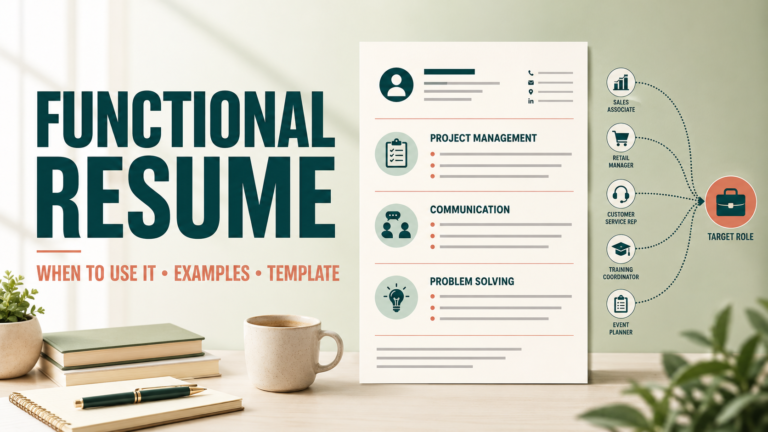
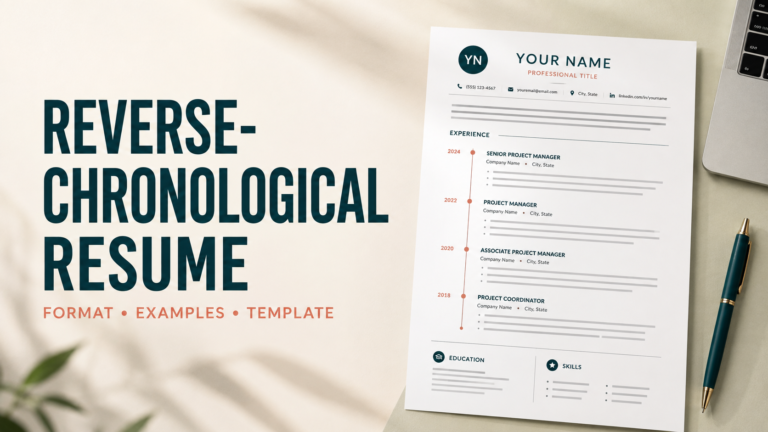
The underlying resume format matters too. For candidates with a relevant, progressive employment history, a reverse-chronological resume is usually the clearest starting point. Career changers may consider a functional resume, but should still retain a transparent work-history section. Compare the full set of resume types before choosing your structure.
Your Six-Point ATS Resume Checklist
Choose a Safe File and Simple Page Structure
Follow the employer’s requested file type. DOCX is often a practical default when the application accepts it; a text-based PDF can preserve layout when PDF is explicitly allowed. Never submit a scanned image of a resume unless requested.
- Use a single main text flow rather than placing critical information in multiple sidebars.
- Keep name and contact details in the document body—not only inside headers or footers.
- Avoid embedding experience as images, charts or screenshots.
- Use consistent spacing, alignment and date formatting throughout.
Use Recognizable Section Headings
Creative labels can slow down both parsing and human scanning. “Professional Experience,” “Education,” “Skills” and “Certifications” communicate their purpose instantly. You can add a relevant modifier—such as “Technical Skills”—without turning the heading into a slogan.
- Place each heading on its own line.
- Use the same hierarchy and styling for headings at the same level.
- Put employer, title, location and dates in a consistent order.
- Spell out uncommon acronyms at first use.
Map Job Keywords to Real Evidence
Read the vacancy for recurring tools, methods, responsibilities and qualifications. Use the employer’s terminology when it accurately describes your background. Include both the natural phrase and common abbreviation when useful—for example, “search engine optimization (SEO).”
- Prioritize role-specific hard skills over generic personality words.
- Use keywords inside the summary, skills and experience where they make sense.
- Do not claim a tool, credential or responsibility you cannot discuss in an interview.
- Avoid repeating the same phrase simply to increase frequency.
Keyword stuffing: Project management, project manager, project management skills, project planning.
Contextual match: Managed a six-month CRM migration project across Sales and Customer Success, coordinating 18 stakeholders and completing rollout two weeks ahead of schedule.
Write Bullets That Demonstrate Impact
ATS alignment may help a resume become searchable; evidence helps a person believe it. Begin with a precise action verb, add the work context and close with a result when one is available. Numbers are useful only when they are accurate and meaningful.
- Replace duty-only statements with actions and outcomes.
- Include scale: team size, budget, volume, frequency or audience.
- Explain improvement through time saved, quality, revenue, risk or customer results.
- Keep the strongest and most relevant bullets near the top of each role.
Before: Responsible for customer emails and reports.
After: Resolved an average of 45 weekly customer inquiries and built a recurring issue report that helped reduce repeat tickets by 19% over one quarter.
Remove Common Parsing Risks
Different systems handle design elements differently. When applying online, reduce avoidable uncertainty by keeping essential content in ordinary text and using visual decoration sparingly.
- Do not use skill bars, star ratings or charts as substitutes for written proficiency.
- Avoid tables for core work history unless you have tested the exported reading order.
- Use standard bullets rather than decorative icons.
- Choose a readable font and maintain sensible contrast.
- Remove photographs and unrelated personal data for typical US applications.
Run a Final Human and Parsing Test
Save the finished document, then test the actual file—not only the editable source. Copy all text from the PDF into a plain-text editor. If the experience order becomes scrambled or important information disappears, simplify the layout and export again.
- Upload the file into an application preview and inspect every imported field.
- Confirm links, email address, phone number and dates.
- Read every bullet aloud and remove vague repetition.
- Check that the resume still makes sense in a 15-second human scan.
- Name the file professionally, such as Firstname-Lastname-Resume.docx.
ATS-Safe Formatting: Quick Reference
| Resume element | Safer approach | Higher-risk approach |
|---|---|---|
| Contact information | Text near the top of the main document body | Only in a header, footer or graphic |
| Section labels | Experience, Education, Skills | Invented labels with unclear meaning |
| Experience dates | Consistent Month Year–Month Year | Mixed styles or unexplained omissions |
| Skills | Written terms supported in context | Icons, percentage bars or star ratings |
| File | Requested type; text-based DOCX or PDF | Image-only or scanned document |
What an ATS Checklist Cannot Do
Formatting cannot create missing qualifications, and a high scanner score does not guarantee an interview. Screening can involve knockout questions, work authorization, location, salary parameters, recruiter judgment and other employer-specific criteria. Treat optimization as quality control—not as a way to manipulate a hiring system.
Strong signal
Relevant terminology appears naturally inside credible accomplishments, and the document remains easy to read without design software.
Warning signal
The file depends on graphics, repeats keywords without context or omits basic timeline information to chase a score.
If you need a wider walkthrough—from tailoring through final upload—continue with our ATS resume resources. The checklist on this page works best as the final quality-control step for every application.
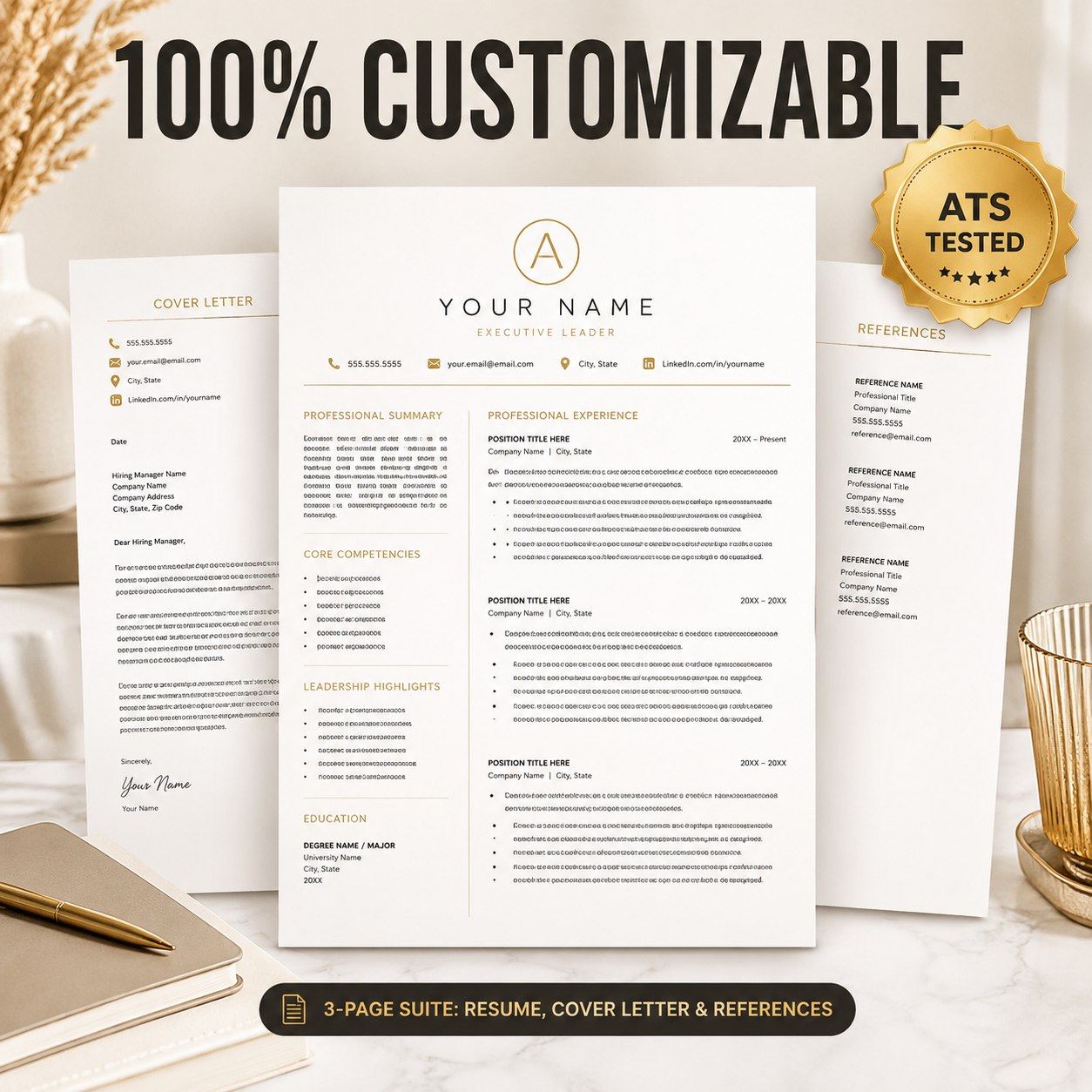
Build From an ATS-Conscious Template
Start with a polished, editable resume designed for clear hierarchy, practical customization and confident applications.
Explore Resume Templates →Frequently Asked Questions
What is the best ATS resume format?
A simple reverse-chronological structure is a strong default for candidates with relevant work history. The best choice still depends on your background and the role, while clear headings and readable text remain important across formats.
Is PDF or DOCX better for ATS?
Use the file type requested by the employer. If both are accepted, DOCX is a practical conservative option; a properly exported text-based PDF may also work. Avoid scanned or image-only PDFs.
Can an ATS read a two-column resume?
Some systems can, but parsing capability varies. A single main reading flow reduces uncertainty, particularly when employer, title, dates and bullets could otherwise be extracted out of order.
How many keywords should an ATS resume include?
There is no reliable universal number. Include the most relevant skills and terminology accurately, then support them with evidence. Repetition without context can weaken the resume for human reviewers.
Should an ATS resume have a photo?
For typical US job applications, omit a photograph unless the employer or role specifically requires one. A photo uses space and can create parsing or hiring-bias concerns.
How can I test whether my resume parses correctly?
Copy the finished file into plain text and review the reading order. Then upload it to an application preview and confirm that contact information, employers, titles and dates populate the correct fields.